AetherSX2 vs NetherSX2: Which PS2 Emulator Is Better?
You’re ready to play PlayStation 2 games on your Android phone, but there’s one question holding you back: should you install AetherSX2 or NetherSX2? Both emulators look similar, support many of the same features, and promise a familiar PS2 gaming experience. However, choosing between them becomes confusing when you encounter claims that NetherSX2 is faster or that AetherSX2 is outdated.
In this AetherSX2 vs NetherSX2 comparison, I’ll help you understand what actually separates these emulators. NetherSX2 builds upon AetherSX2, so they share much of their underlying technology. However, community modifications, different base versions, and installation methods can affect compatibility and stability. We’ll compare performance, graphics, BIOS requirements, controller support, and updates so you can choose the better option for your Android device.
Table of contents 14 sections
- AetherSX2 vs NetherSX2: Quick Comparison
- What Is AetherSX2 and How Does It Work?
- What Is NetherSX2 and How Is It Different?
- AetherSX2 vs NetherSX2 Performance Comparison
- Which Emulator Works Better on Low-End Android Phones?
- AetherSX2 vs NetherSX2 Game Compatibility
- Graphics Quality: AetherSX2 vs NetherSX2
- BIOS Setup: AetherSX2 vs NetherSX2
- Controller Support and Gaming Experience
- Updates, APK Safety and Installation Differences
- Should You Switch From AetherSX2 to NetherSX2?
- Which Is Better: AetherSX2 or NetherSX2?
- Frequently Asked Questions
- Conclusion
AetherSX2 vs NetherSX2: Quick Comparison
Both AetherSX2 and NetherSX2 allow compatible Android devices to emulate PlayStation 2 games using appropriate BIOS firmware. The biggest difference isn’t their basic purpose but how they’re developed and distributed. AetherSX2 provides the original foundation, while NetherSX2 applies community modifications to selected versions of that software.
My recommendation: If AetherSX2 already runs your games reliably, there’s no immediate reason to replace it. NetherSX2 becomes worth considering when a particular community build offers a feature or improvement you actually need.
| Feature | AetherSX2 | NetherSX2 |
|---|---|---|
| Emulator foundation | Original Android emulator | AetherSX2 modification |
| Development | Original development discontinued | Community-maintained |
| PS2 BIOS | Required | Required |
| Game formats | Supported PS2 images | Depends on base build |
| Graphics | Vulkan and OpenGL | Vulkan and OpenGL |
| Controllers | Supported | Supported |
| Performance | Device-dependent | Device and build-dependent |
| Installation | Compatible APK | Build or patching process |
| Best for | Existing stable setups | Community modifications |
What Is AetherSX2 and How Does It Work?
AetherSX2 is an Android PlayStation 2 emulator that translates PS2 hardware operations into instructions compatible with modern mobile devices. It brought many features associated with desktop PS2 emulation to Android, including graphics customization and controller support.
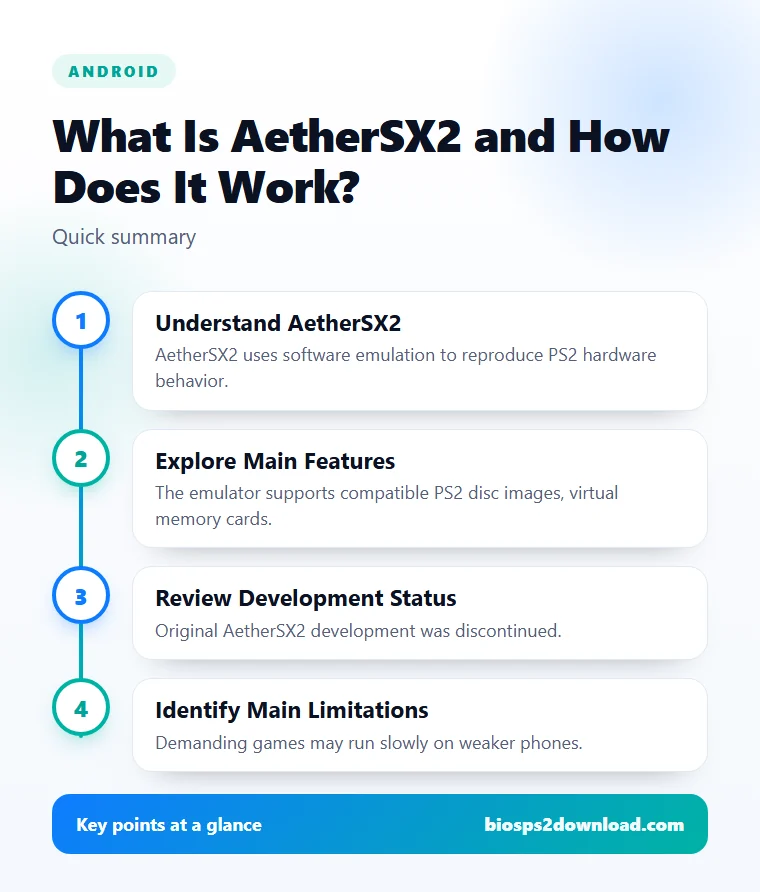
Understand AetherSX2
AetherSX2 uses software emulation to reproduce PS2 hardware behavior. Its performance depends on your processor, GPU, graphics drivers, and the game you’re running.
Explore Main Features
The emulator supports compatible PS2 disc images, virtual memory cards, save states, touchscreen controls, external controllers, and graphics adjustments. These features make it possible to customize the experience for different Android devices.
Review Development Status
Original AetherSX2 development was discontinued, so users shouldn’t expect ongoing feature development from its original creator. Existing builds can still function, but compatibility with future Android changes isn’t guaranteed.
Identify Main Limitations
Demanding games may run slowly on weaker phones, while certain graphics drivers can cause rendering problems. The lack of ongoing original development also makes build selection important.
| Strength | Limitation |
|---|---|
| Established emulation foundation | Original development discontinued |
| Graphics customization | Device-dependent performance |
| Controller support | Possible driver issues |
| Memory cards and save states | Build compatibility matters |
What Is NetherSX2 and How Is It Different?
NetherSX2 is a community modification based on AetherSX2. Rather than creating an entirely separate PS2 emulator engine, it modifies compatible AetherSX2 builds to provide a different distribution and feature experience.
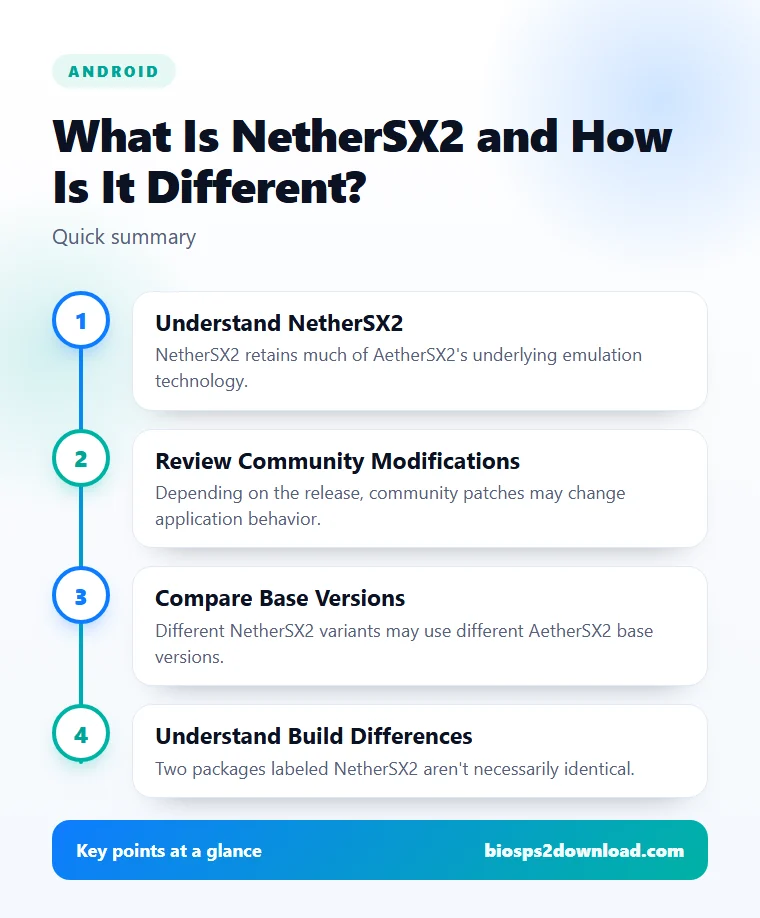
Understand NetherSX2
NetherSX2 retains much of AetherSX2’s underlying emulation technology. This means its basic hardware requirements and game compatibility characteristics are closely related.
Review Community Modifications
Depending on the release, community patches may change application behavior, remove unwanted components, or introduce other adjustments. The exact changes depend on the build.
Compare Base Versions
Different NetherSX2 variants may use different AetherSX2 base versions. This can influence compatibility, available options, and performance.
Understand Build Differences
Two packages labeled NetherSX2 aren’t necessarily identical. I recommend checking the specific build and its documented modifications before comparing results.
| Characteristic | Practical Meaning |
|---|---|
| AetherSX2 foundation | Shared emulation technology |
| Community patches | Build-specific changes |
| Different base versions | Possible behavior differences |
| Build-dependent updates | Verify release information |
AetherSX2 vs NetherSX2 Performance Comparison
Performance is often the main reason people consider switching emulators. However, NetherSX2 doesn’t automatically deliver higher FPS than AetherSX2. Since both share an emulation foundation, meaningful differences depend on the versions being compared, their settings, and the game.
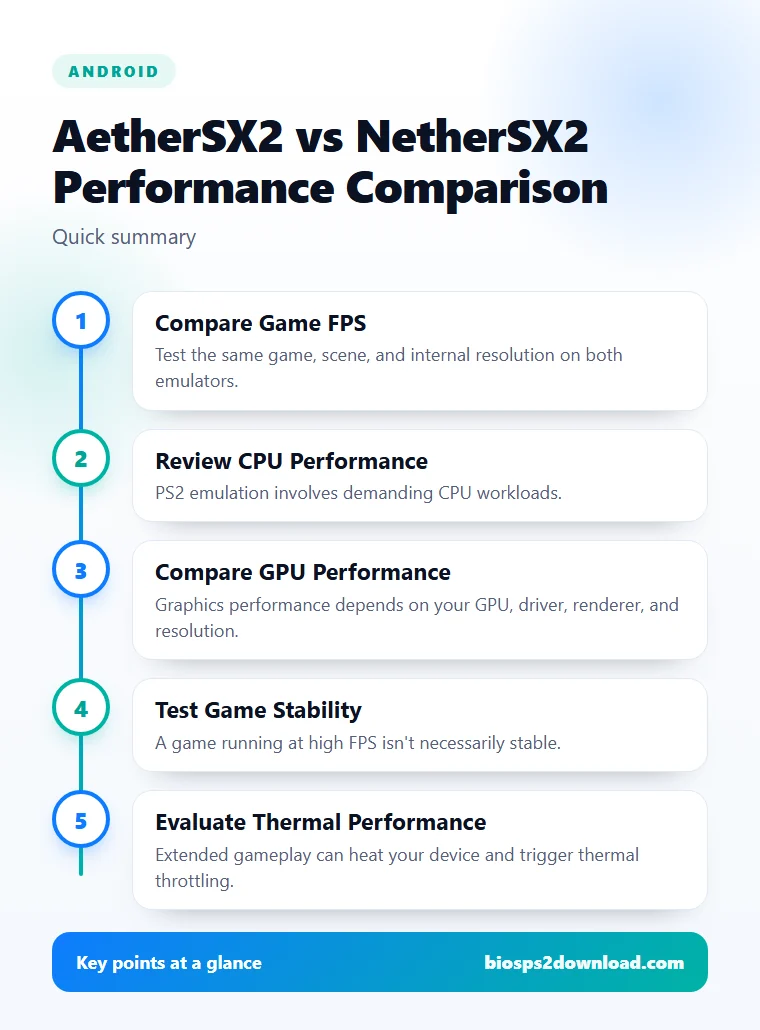
Compare Game FPS
Test the same game, scene, and internal resolution on both emulators. Compare game speed and frame pacing rather than relying on a single FPS reading.
Review CPU Performance
PS2 emulation involves demanding CPU workloads. A powerful processor can improve performance, but neither emulator can eliminate hardware limitations.
Compare GPU Performance
Graphics performance depends on your GPU, driver, renderer, and resolution. Vulkan may perform better in some situations, while OpenGL may offer better compatibility elsewhere.
Test Game Stability
A game running at high FPS isn’t necessarily stable. Check for freezes, graphical glitches, audio interruptions, and unexpected crashes.
Evaluate Thermal Performance
Extended gameplay can heat your device and trigger thermal throttling. Compare performance after similar playing periods to avoid misleading results.
| Performance Factor | Fair Comparison Method |
|---|---|
| Game speed | Same title and scene |
| FPS | Identical graphics settings |
| CPU workload | Same emulation configuration |
| Graphics | Same renderer and resolution |
| Stability | Compare crashes and glitches |
| Temperature | Similar session duration |
Which Emulator Works Better on Low-End Android Phones?
If you’re using an older or budget Android phone, I recommend focusing on hardware capability rather than emulator branding. NetherSX2 may behave differently from a particular AetherSX2 build, but neither guarantees smooth gameplay on low-powered hardware.
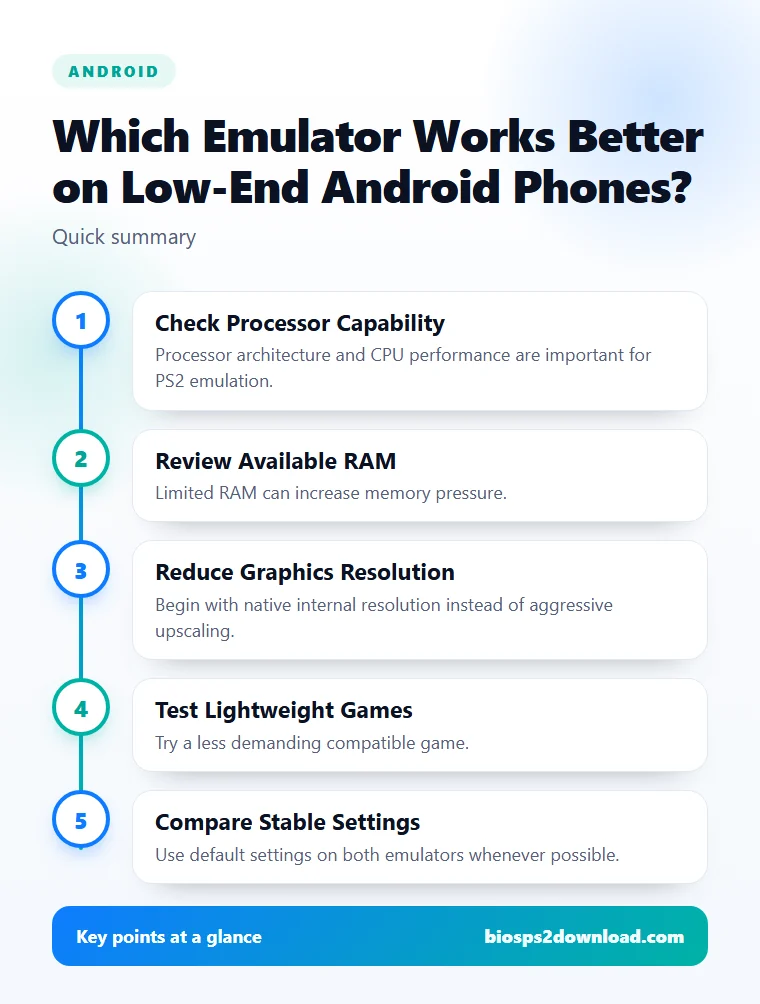
Check Processor Capability
Processor architecture and CPU performance are important for PS2 emulation. A compatible 64-bit ARM processor is generally required by these emulator families.
Review Available RAM
Limited RAM can increase memory pressure, especially when several applications remain active. Closing unnecessary background apps may help stability.
Reduce Graphics Resolution
Begin with native internal resolution instead of aggressive upscaling. This reduces GPU workload and provides a useful performance baseline.
Test Lightweight Games
Try a less demanding compatible game before testing titles with complex graphics or heavy CPU requirements.
Compare Stable Settings
Use default settings on both emulators whenever possible. Avoid comparing one heavily modified configuration against another running at defaults.
| Hardware Limitation | Recommended Approach |
|---|---|
| Weaker CPU | Test less demanding games |
| Limited RAM | Reduce background activity |
| Older GPU | Use supported renderer |
| Low FPS | Start at native resolution |
| Frequent crashes | Restore default settings |
AetherSX2 vs NetherSX2 Game Compatibility
Because NetherSX2 builds upon AetherSX2, many games behave similarly across comparable versions. However, differences in base builds, graphics settings, and community modifications can affect individual titles.
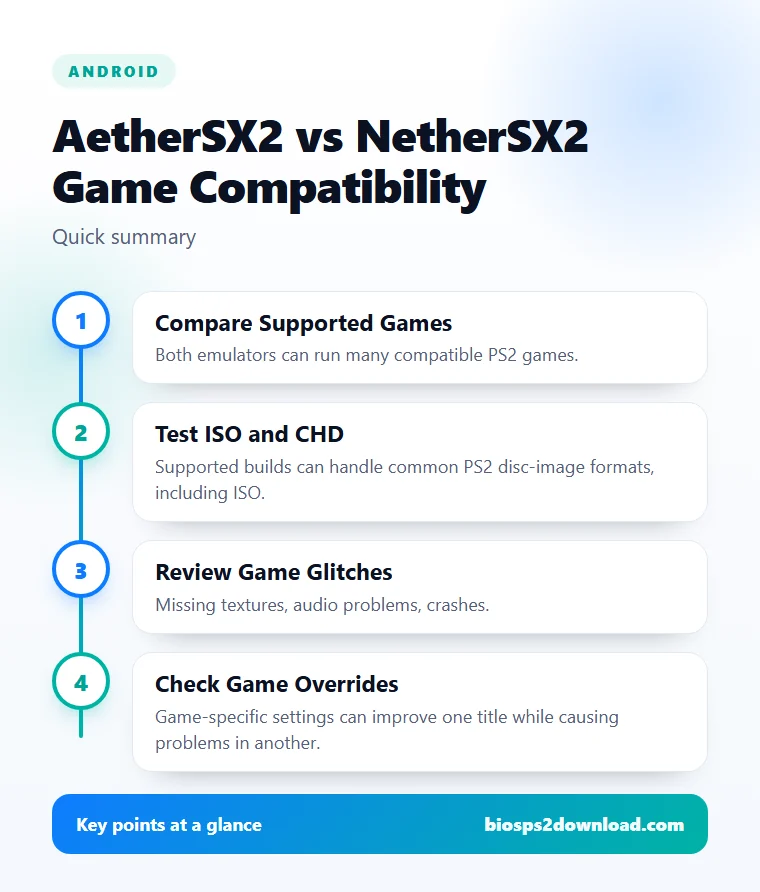
Compare Supported Games
Both emulators can run many compatible PS2 games, but not every title works perfectly. Compatibility depends on the particular build and device.
Review Game Glitches
Missing textures, audio problems, crashes, and graphical artifacts may result from emulation limitations or GPU drivers.
Check Game Overrides
Game-specific settings can improve one title while causing problems in another. Compare compatibility using default configurations first.
| Compatibility Factor | AetherSX2 | NetherSX2 |
|---|---|---|
| PS2 game support | Build-dependent | Base-build-dependent |
| ISO images | Supported | Supported |
| CHD images | Version-dependent | Version-dependent |
| Graphics glitches | Possible | Possible |
| Game overrides | Available | Build-dependent |
Graphics Quality: AetherSX2 vs NetherSX2
Both emulators offer graphics configuration options that can improve how PS2 games appear on modern Android screens. However, graphics quality depends more on the renderer and selected settings than on the emulator name alone.
Compare Vulkan Rendering
Vulkan can provide efficient graphics rendering on compatible hardware. However, driver limitations may cause glitches or crashes in certain games.
Review OpenGL Support
OpenGL provides an alternative graphics backend. If Vulkan causes visual problems, testing OpenGL can help determine whether the issue is renderer-specific.
Adjust Internal Resolution
Increasing internal resolution can make 3D graphics appear sharper, but it also increases GPU workload. I recommend beginning at native resolution.
Check Graphics Enhancements
Options such as texture filtering, widescreen patches, and other enhancements may improve presentation. Their availability and reliability depend on the build and game.
| Graphics Option | Main Purpose |
|---|---|
| Vulkan | Graphics rendering |
| OpenGL | Alternative backend |
| Internal resolution | Image sharpness |
| Texture filtering | Texture appearance |
| Widescreen patches | Display adjustment |
BIOS Setup: AetherSX2 vs NetherSX2
Both emulators require compatible PS2 BIOS firmware for normal operation. Since NetherSX2 shares AetherSX2’s foundation, their firmware setup processes are broadly similar, although menu layouts may differ.
Understand BIOS Requirements
Use a valid PS2 BIOS extracted from your own console. A game ISO or unrelated BIN file cannot replace the firmware.
Compare BIOS Import
Both applications provide firmware selection or import workflows. Follow the options available in your installed build.
Check BIOS Compatibility
Confirm that the emulator recognizes your BIOS image. Region and version information may appear after successful import.
Fix Import Problems
If the firmware isn’t recognized, check file integrity and Android storage access before changing emulator versions.
| BIOS Feature | AetherSX2 | NetherSX2 |
|---|---|---|
| PS2 BIOS required | Yes | Yes |
| Firmware import | Supported | Supported |
| BIOS identification | Available | Available |
| Invalid BIOS errors | Possible | Possible |
Controller Support and Gaming Experience
Controller support matters if you prefer physical buttons over touchscreen controls. Both emulator families provide input configuration features, although specific options may vary between builds.
Compare Touch Controls
Virtual controls allow gaming without additional hardware. Layout and visibility adjustments can make touchscreen input more comfortable.
Test Bluetooth Controllers
Compatible Bluetooth controllers can connect through Android’s pairing interface. Actual support depends on the controller and device.
Review Button Mapping
Both emulators provide ways to configure button assignments, analog sticks, and triggers. Test your mappings before starting a demanding game.
Compare Save Features
Memory-card saves and save states are available in supported builds. Save-state compatibility across versions isn’t guaranteed, so memory-card backups are especially valuable.
| Feature | Practical Benefit |
|---|---|
| Touch controls | Play without gamepad |
| Bluetooth controller | Physical input |
| Button mapping | Customized controls |
| Memory cards | In-game progress |
| Save states | Quick continuation |
Updates, APK Safety and Installation Differences
Installation and maintenance are important differences between AetherSX2 and NetherSX2. I recommend checking the exact build before switching because Android package compatibility can affect your existing application data.
Review AetherSX2 Updates
Original AetherSX2 development was discontinued. Existing builds may remain usable, but users should distinguish historical releases from packages redistributed by third parties.
Understand NetherSX2 Updates
NetherSX2 updates depend on community maintainers and the selected patching workflow. Different variants may follow different release schedules.
Check APK Authenticity
Verify project identity, build documentation, and available checksums. A matching checksum confirms consistency with a reference file but doesn’t independently guarantee safety.
Avoid Unverified Packages
Avoid unrelated APK mirrors, bundled installers, and packages making unrealistic performance claims.
Protect Existing Saves
Back up memory cards, save states, and configuration before switching builds. Package-signing conflicts may prevent installing one version directly over another.
| Concern | AetherSX2 | NetherSX2 |
|---|---|---|
| Development | Discontinued original project | Community-dependent |
| Installation | Compatible APK | Build or patching workflow |
| Updates | No ongoing original development | Maintainer-dependent |
| Authenticity | Verify package | Verify build and patches |
| Save migration | Backup recommended | Backup recommended |
Should You Switch From AetherSX2 to NetherSX2?
Switching emulators makes sense only when there’s a practical reason. If your current installation already runs your favorite games reliably, replacing it may introduce unnecessary compatibility or save-data problems.
Keep Working Installations
A stable AetherSX2 setup doesn’t become unusable simply because original development stopped. Keep it if it meets your needs.
Evaluate Missing Features
Consider NetherSX2 when a particular community build provides a documented modification you want.
Back Up Game Saves
Preserve your memory cards and save states before attempting migration. Don’t rely entirely on Android application-data retention.
Check Installation Conflicts
Different package signatures or version identifiers may prevent direct installation over an existing build.
Test Before Switching
Compare the same games under similar settings. If possible, preserve your original configuration until you’ve confirmed the alternative works.
| Current Situation | Recommended Action |
|---|---|
| AetherSX2 works reliably | Keep existing setup |
| Need specific community modification | Evaluate NetherSX2 |
| Low FPS on older phone | Test before switching |
| Important saved progress | Back up first |
| Installation conflict | Follow build instructions |
Which Is Better: AetherSX2 or NetherSX2?
The better emulator depends on your phone, games, and priorities. I wouldn’t recommend switching solely because one package has a newer-looking version number or promises higher FPS.
Best for Beginners
Choose a compatible build with clear installation instructions and a verifiable source. A straightforward setup is more valuable than an unfamiliar collection of advanced options.
Best for Low-End Phones
Neither emulator guarantees better performance on budget devices. Compare your preferred games using native resolution and similar settings.
Best for Existing Users
If AetherSX2 already works well, keeping it is often the simplest choice. Switching becomes worthwhile when you need a specific improvement.
Best for Customization
NetherSX2 may appeal to users interested in community modifications. Review the actual changes in your chosen build before installing.
Best for Stability
Use whichever verified build runs your games consistently. Stable frame pacing, reliable saves, and fewer crashes matter more than isolated FPS claims.
| User Situation | Recommended Choice |
|---|---|
| New Android user | Verified compatible build |
| Low-end phone | Test both where practical |
| Stable AetherSX2 setup | Keep AetherSX2 |
| Interested in community patches | Consider NetherSX2 |
| Prioritizing reliability | Proven stable build |
Frequently Asked Questions
Is NetherSX2 Better Than AetherSX2?
Not universally. NetherSX2 offers community modifications, but performance and stability depend on the build, device, and game.
Which Emulator Gives Higher FPS?
Neither consistently guarantees higher FPS. Compare identical games, settings, and hardware for meaningful results.
Does NetherSX2 Need BIOS?
Yes. Both emulators require compatible PS2 BIOS firmware for normal emulation.
Is AetherSX2 Still Supported?
Original AetherSX2 development was discontinued. Existing builds may still function, but ongoing original development isn’t available.
Can Both Run ISO Games?
Yes. Both support compatible PS2 ISO game images.
Which Emulator Supports Controllers?
Both provide touchscreen and compatible external controller support, depending on the build and device.
Can I Transfer Game Saves?
Memory-card saves may be transferable between compatible setups. Save states can be more version-sensitive.
Is NetherSX2 Safe to Install?
Safety depends on the package’s source and integrity. Verify the build and avoid untrusted distributors.
Should I Uninstall AetherSX2?
Not automatically. Keep a working installation unless you have a specific reason to change, and back up saves before uninstalling.
Conclusion
The AetherSX2 vs NetherSX2 comparison isn’t simply about which emulator has more features or a newer version number. Both share an emulation foundation, while community patches, base versions, device compatibility, and configuration can influence the experience. Neither guarantees universally higher FPS or better compatibility across every Android phone.
My recommendation is to keep AetherSX2 if it already runs your games reliably and consider NetherSX2 when a verified community build offers something useful for your setup. Compare performance under similar conditions, preserve your memory-card saves, and prioritize stability over unsupported performance claims. The better emulator is ultimately the one that works consistently with your device and favorite PS2 games.
Legal Pages