PS2 BIOS File Names Explained: SCPH Numbers & Firmware IDs
You’ve extracted your PS2 BIOS, opened the folder, and noticed filenames containing numbers, letters, or unfamiliar identifiers like SCPH-30001 and SCPH-39001. Now you’re probably wondering what these numbers mean, whether they identify your console’s region, and which BIOS file you should select in PCSX2. The confusing part is that two files can have different names but contain identical firmware, while similarly named files may contain different data.
I want to help you understand PS2 BIOS file names without getting lost in technical details. We’ll explore SCPH model numbers, firmware revisions, region identifiers, and common naming differences. I’ll also show you how to identify your own BIOS using PCSX2, verify its details, and avoid mistakes when organizing or renaming firmware files.
Table of contents 11 sections
- What Do PS2 BIOS File Names Mean?
- What Does SCPH Mean in PS2 BIOS Files?
- Common PS2 BIOS SCPH Numbers Explained
- How to Identify PS2 BIOS Region Codes
- How to Read PS2 BIOS Firmware Versions
- How to Identify Your PS2 BIOS File Step by Step
- How Does PCSX2 Identify PS2 BIOS Files?
- Can You Rename PS2 BIOS Files Safely?
- PS2 BIOS Filename Not Recognized? Fix Common Errors
- Frequently Asked Questions
- Conclusion
What Do PS2 BIOS File Names Mean?
A PS2 BIOS filename is a label used to identify a firmware image or related component. Depending on the dumping utility, it may contain a console model, region, firmware version, or extraction date. However, there isn’t one universal filename format followed by every PS2 BIOS dump.
Understand BIOS Naming
Some BIOS files have descriptive names, while others use shorter identifiers or generic filenames. These differences often come from the extraction or cataloguing process rather than the firmware itself.
Identify Filename Components
You might encounter SCPH numbers, version labels, region abbreviations, and extensions such as .bin. Each provides a clue about the file, but I recommend verifying the actual firmware details before relying on its name.
Recognize Naming Differences
Two identical BIOS images can have different filenames, especially when copied between devices or renamed for organization. The filename alone doesn’t establish firmware authenticity or compatibility.
| Filename Component | Possible Meaning |
|---|---|
| SCPH number | Console model identifier |
| Version number | Firmware revision |
| USA, EUR, JAP | Region label |
.bin | Binary firmware image |
| Date | Extraction or firmware-related date |
What Does SCPH Mean in PS2 BIOS Files?
SCPH is a product model prefix used on PlayStation hardware, including PlayStation 2 consoles. You’ll commonly see it followed by a number, such as SCPH-30001 or SCPH-50001. These identifiers help distinguish hardware models, but they aren’t the same as BIOS version numbers.
Understand SCPH Numbers
An SCPH number identifies a particular console model or model family. It can provide useful clues about hardware generation and intended market, although it doesn’t uniquely identify every firmware revision.
Identify Console Models
You can find your PS2’s SCPH model number on the console’s identification label. I recommend checking this label before assigning a model number to your extracted BIOS.
Recognize Model Revisions
Sony released several PS2 hardware revisions over the console’s lifetime. Different revisions may have different internal components, so you shouldn’t assume that every console within a model family uses identical firmware.
| Model Family | General Identification |
|---|---|
| SCPH-10000 | Early Japanese Fat PS2 |
| SCPH-30000 series | Fat PS2 generation |
| SCPH-39000 series | Later Fat revision |
| SCPH-50000 series | Later Fat revision |
| SCPH-70000 series | Early Slim generation |
| SCPH-90000 series | Late Slim generation |
Common PS2 BIOS SCPH Numbers Explained
When browsing your own firmware backups, you may encounter several SCPH identifiers. Let me explain some common examples so you can recognize their general hardware associations without confusing console models with BIOS versions.
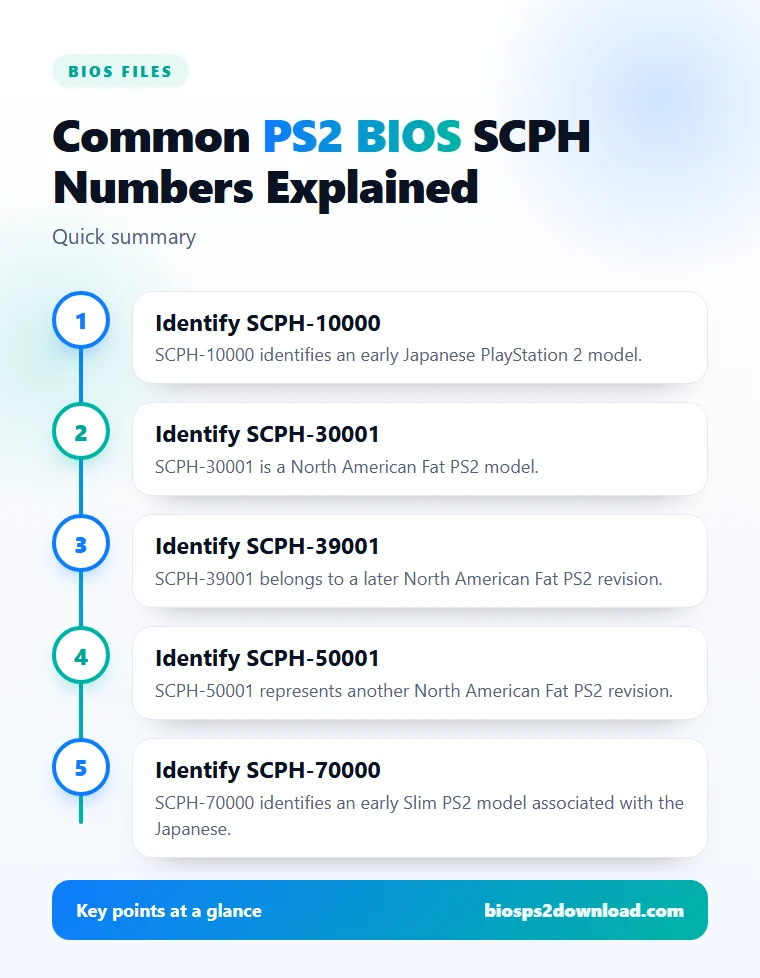
Identify SCPH-10000
SCPH-10000 identifies an early Japanese PlayStation 2 model. It belongs to the original Fat PS2 generation and is associated with the console’s early hardware design.
Identify SCPH-30001
SCPH-30001 is a North American Fat PS2 model. If your console carries this identifier, it helps establish the hardware model, although the BIOS revision should still be checked separately.
Identify SCPH-39001
SCPH-39001 belongs to a later North American Fat PS2 revision. Its model number distinguishes it from earlier hardware, but doesn’t guarantee one particular firmware image.
Identify SCPH-50001
SCPH-50001 represents another North American Fat PS2 revision. You may encounter this model identifier when organizing dumps from different consoles.
Identify SCPH-70000
SCPH-70000 identifies an early Slim PS2 model associated with the Japanese market. Other models in the 70000 family were released for different regions.
| SCPH Model | Console Type | General Market |
|---|---|---|
| SCPH-10000 | Fat | Japan |
| SCPH-30001 | Fat | North America |
| SCPH-39001 | Fat | North America |
| SCPH-50001 | Fat | North America |
| SCPH-70000 | Slim | Japan |
How to Identify PS2 BIOS Region Codes
PS2 BIOS files may contain region labels that indicate the console market associated with the firmware. These labels help with identification, but they shouldn’t be confused with a guarantee that every game from that region will work.
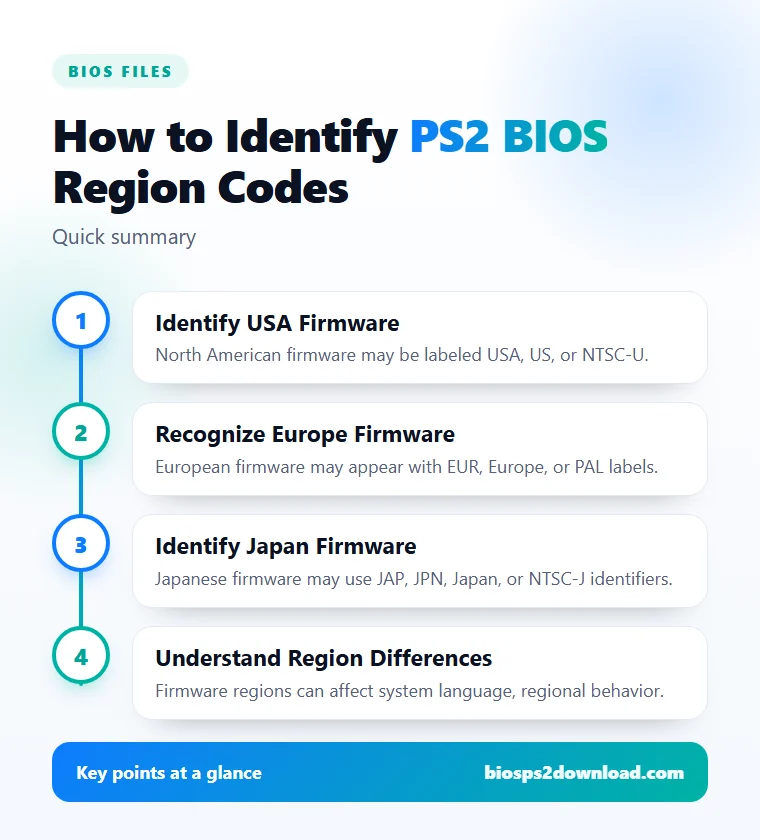
Identify USA Firmware
North American firmware may be labeled USA, US, or NTSC-U. These labels generally indicate the intended market, although the exact filename depends on whoever created or organized the dump.
Recognize Europe Firmware
European firmware may appear with EUR, Europe, or PAL labels. PAL is a television standard historically associated with many European PS2 releases.
Identify Japan Firmware
Japanese firmware may use JAP, JPN, Japan, or NTSC-J identifiers. These labels are useful clues when organizing firmware extracted from Japanese consoles.
Understand Region Differences
Firmware regions can affect system language, regional behavior, and compatibility considerations. However, a filename’s region label isn’t authoritative. I recommend checking the region reported by your emulator.
| Region Label | General Market | Historical Video Standard |
|---|---|---|
| USA / NTSC-U | North America | NTSC |
| EUR / PAL | Europe | PAL |
| JAP / NTSC-J | Japan | NTSC |
How to Read PS2 BIOS Firmware Versions
A firmware version identifies a revision of the console’s system software, while an SCPH number identifies hardware. Understanding this difference helps prevent confusion when comparing multiple BIOS files.
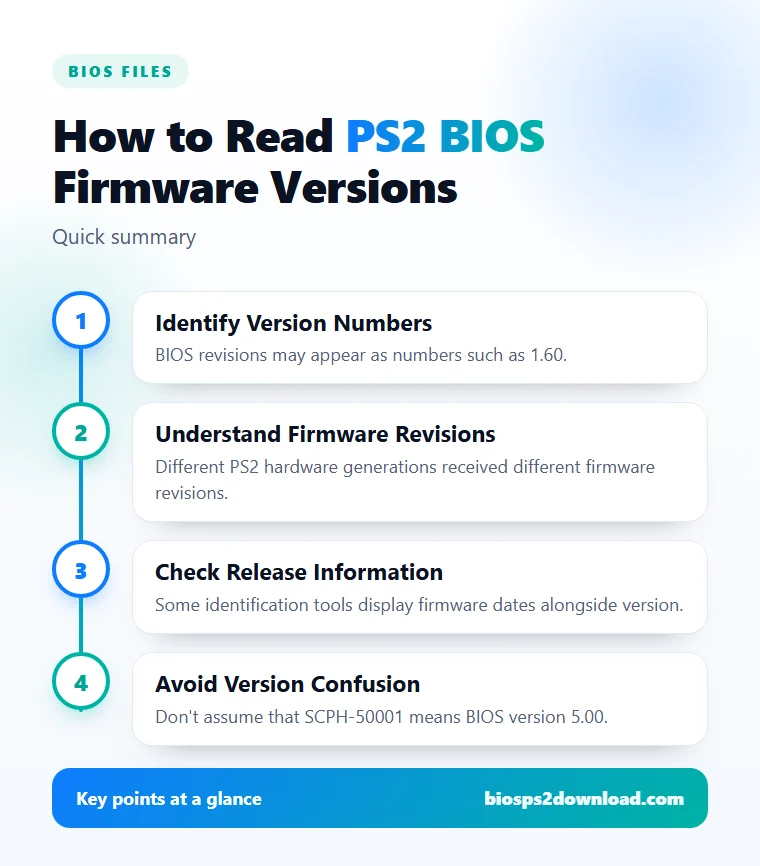
Identify Version Numbers
BIOS revisions may appear as numbers such as 1.60 or 2.00 in firmware identification records. These represent firmware versions, not console model numbers.
Understand Firmware Revisions
Different PS2 hardware generations received different firmware revisions. A newer revision doesn’t automatically provide better game performance in PCSX2.
Check Release Information
Some identification tools display firmware dates alongside version and region details. I recommend recording this information when organizing your original dump.
Avoid Version Confusion
Don’t assume that SCPH-50001 means BIOS version 5.00. The model number and firmware revision are separate identifiers and should be verified independently.
| Identifier | Example | Meaning |
|---|---|---|
| SCPH model | SCPH-39001 | Console hardware model |
| BIOS revision | 2.00 | Firmware version |
| Region | USA | Associated market |
| File extension | .bin | File format label |
How to Identify Your PS2 BIOS File Step by Step
If you’ve extracted firmware from your own console, you can identify it without relying entirely on its filename. I recommend combining the console’s hardware label with information detected by PCSX2.
Follow these steps:
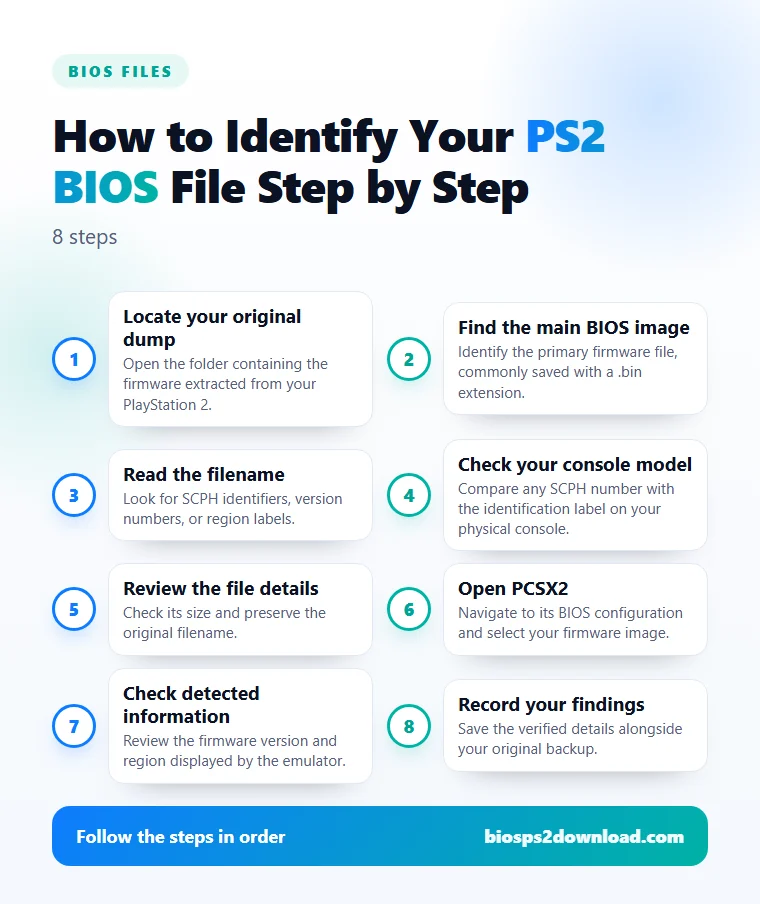
- Locate your original dump. Open the folder containing the firmware extracted from your PlayStation 2.
- Find the main BIOS image. Identify the primary firmware file, commonly saved with a
.binextension. - Read the filename. Look for SCPH identifiers, version numbers, or region labels.
- Check your console model. Compare any SCPH number with the identification label on your physical console.
- Review the file details. Check its size and preserve the original filename.
- Open PCSX2. Navigate to its BIOS configuration and select your firmware image.
- Check detected information. Review the firmware version and region displayed by the emulator, where available.
- Record your findings. Save the verified details alongside your original backup.
| Identification Step | What It Tells You |
|---|---|
| Check console label | Hardware model |
| Read filename | Possible firmware identifiers |
| Inspect extension | File type |
| Check PCSX2 detection | Recognized firmware details |
| Record checksum | File identity for future comparisons |
How Does PCSX2 Identify PS2 BIOS Files?
PCSX2 examines supported BIOS images to identify firmware information. This is more reliable than trusting an arbitrary filename, especially when files have been renamed or copied between systems.
Open BIOS Settings
Launch PCSX2 and navigate to the BIOS selection interface. The exact menu location may vary depending on your installed version.
Check Detected Firmware
When PCSX2 recognizes your BIOS, it may display information such as version and region. I recommend comparing these details with your existing filename labels.
Verify Region Details
Check whether the detected region matches your expectations. If the filename says USA but PCSX2 identifies another region, investigate the file rather than immediately renaming it.
Select Correct BIOS
Choose a recognized firmware image extracted from your own console. If multiple valid images are available, use their detected details to distinguish them.

| PCSX2 Result | Recommended Action |
|---|---|
| BIOS detected | Review firmware details |
| Unknown filename | Check detected version |
| BIOS missing | Verify configured location |
| Invalid firmware | Check file integrity |
Can You Rename PS2 BIOS Files Safely?
Renaming a BIOS file doesn’t normally change its internal contents. However, changing filenames carelessly can create confusion or interfere with tools that expect particular naming conventions.
Preserve Original Names
I recommend keeping an untouched copy of the original dump. This gives you a reliable reference if you accidentally rename or overwrite a working file.
Rename Backup Copies
You can use descriptive names for backup copies when your emulator supports them. Keep the extension unchanged and avoid adding unverified model or region information.
Avoid Extension Changes
Changing .rom0 to .bin doesn’t convert a ROM component into a main BIOS image. Extensions should reflect the actual file contents and expected format.
Verify Renamed Files
If you’ve renamed a copy, calculate its checksum and compare it with the original. A matching content hash provides strong evidence that renaming didn’t alter the data.

| Filename Change | Recommendation |
|---|---|
Rename a backup .bin | Usually acceptable |
| Preserve original filename | Recommended |
Change .rom0 to .bin | Avoid |
| Add an unverified region label | Avoid |
| Compare checksums after renaming | Recommended |
PS2 BIOS Filename Not Recognized? Fix Common Errors
If PCSX2 doesn’t recognize your BIOS, the filename may not be the actual problem. Incorrect extensions, missing files, damaged firmware, and wrong directory settings can all cause detection errors.
Fix Incorrect Extensions
Check whether the extension was changed accidentally. Restore the original filename and confirm that the file contains the expected firmware data.
Resolve Missing Firmware
Open PCSX2’s BIOS settings and check the configured directory or import location. A valid image stored elsewhere may not appear in the firmware list.
Identify Wrong Files
Make sure you’re selecting the main BIOS image rather than ROM0, ROM1, NVM, or a game disc image. These files serve different purposes.
Fix Duplicate Names
If multiple files share similar names, compare their sizes and checksums. Identical hashes help identify duplicate contents, while different hashes indicate that the files require closer inspection.
Repair Invalid BIOS
If the firmware remains invalid after checking its path and format, verify the original dump. I recommend repeating the extraction from your own console rather than modifying firmware contents.
| Problem | Possible Cause | Solution |
|---|---|---|
| Unknown SCPH number | Unfamiliar hardware model | Check console label |
| BIOS not detected | Incorrect location | Check BIOS settings |
| Wrong extension | Accidental renaming | Restore original name |
| Duplicate filenames | Multiple firmware copies | Compare checksums |
| Incorrect region label | Misleading filename | Check detected region |
| Invalid BIOS | Damaged or incorrect file | Verify original dump |
Frequently Asked Questions
What Does SCPH Mean?
SCPH is a model identifier prefix used on PlayStation hardware. On PS2 consoles, it helps identify hardware models and revisions.
What Is SCPH-10000 BIOS?
SCPH-10000 refers to an early Japanese PS2 console model. Its BIOS is associated with that hardware generation, but the exact firmware revision must be identified separately.
Is SCPH-30001 a USA Model?
Yes. SCPH-30001 identifies a North American Fat PlayStation 2 model.
Does SCPH Identify BIOS Version?
No. SCPH identifies the console hardware model, while the BIOS version describes a firmware revision.
Can BIOS Filenames Be Different?
Yes. Dumping utilities and users may assign different names to identical firmware images. File contents matter more than the label.
Can I Rename BIOS BIN?
Usually, you can rename a backup copy while keeping its extension, provided your emulator accepts the new name. Preserve the original for reference.
Does PCSX2 Need Specific Filenames?
Modern PCSX2 versions generally identify supported BIOS images from their contents, although particular tools or workflows may have naming requirements.
Which PS2 BIOS Version Is Best?
There’s no universally best version for every situation. I recommend using a valid BIOS extracted from your own console and checking compatibility with your emulator.
Conclusion
Understanding PS2 BIOS file names helps you organize firmware and recognize important details such as SCPH model numbers, regions, and BIOS revisions. The key distinction is that SCPH numbers identify console hardware, while firmware version numbers describe system software. A filename may contain useful clues, but it doesn’t prove what the file actually contains.
I recommend preserving your original BIOS dump, checking firmware details through PCSX2, and recording a checksum for future comparisons. This approach makes it easier to distinguish different firmware images, avoid naming mistakes, and troubleshoot BIOS detection problems without unnecessarily modifying your files.